REST API
Introduction
While you can use the step client to interact programmatically with Step, it is also possible to use the Step’s REST API directly.
Documentation
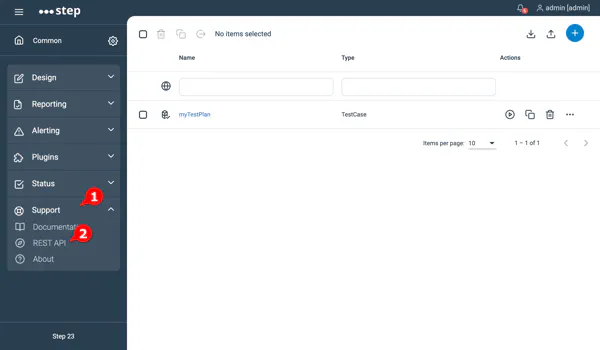
You will find the documentation of the REST API under the help menu of Step
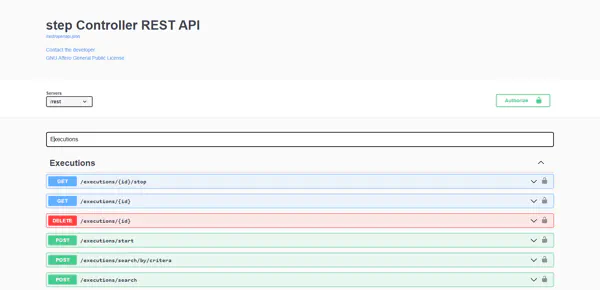
The documentation page provide the detailed specification of every services and means to directly invoke and test the service.
Using the REST API
The most efficient way to use the REST API is to
- Use an API token to handle the authorization.
- Use the reserved HTTP header to set the tenant:
Step-Project: MyProject